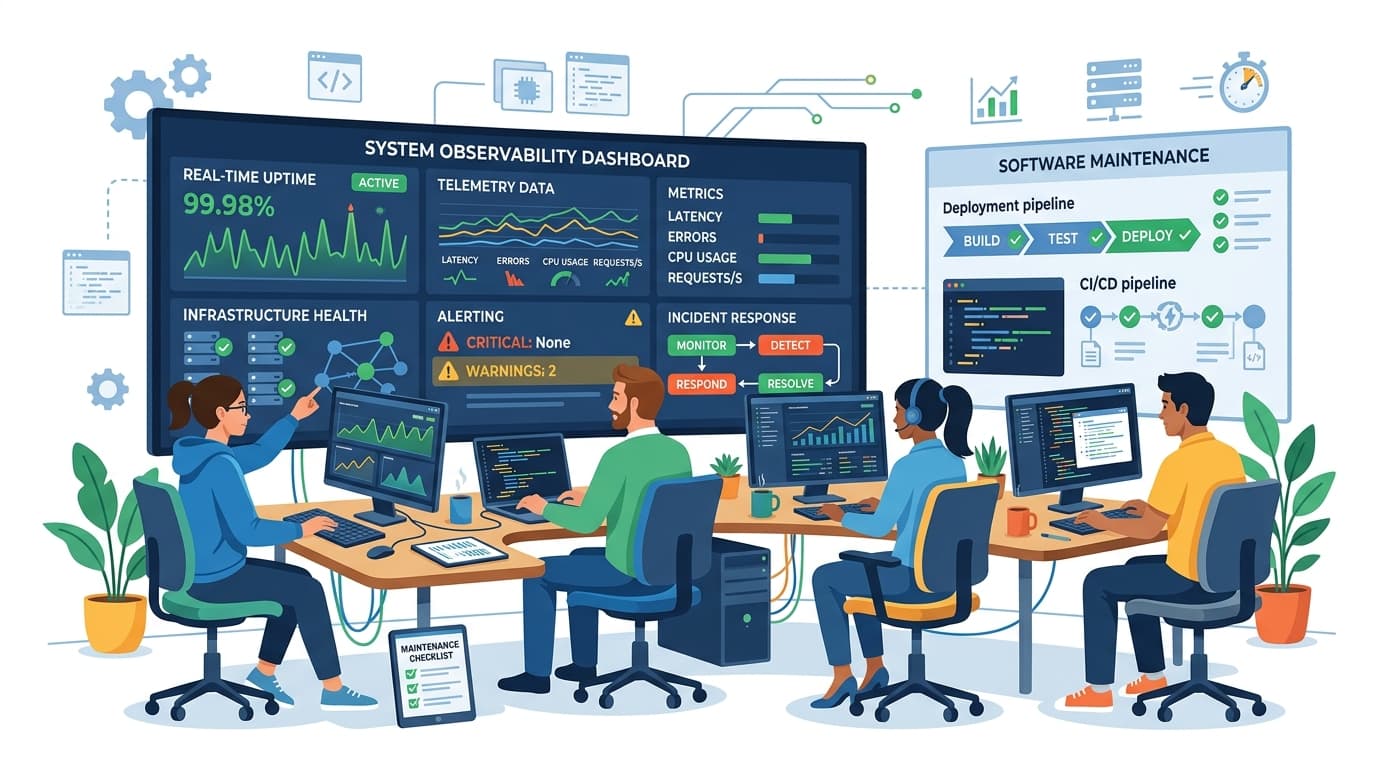
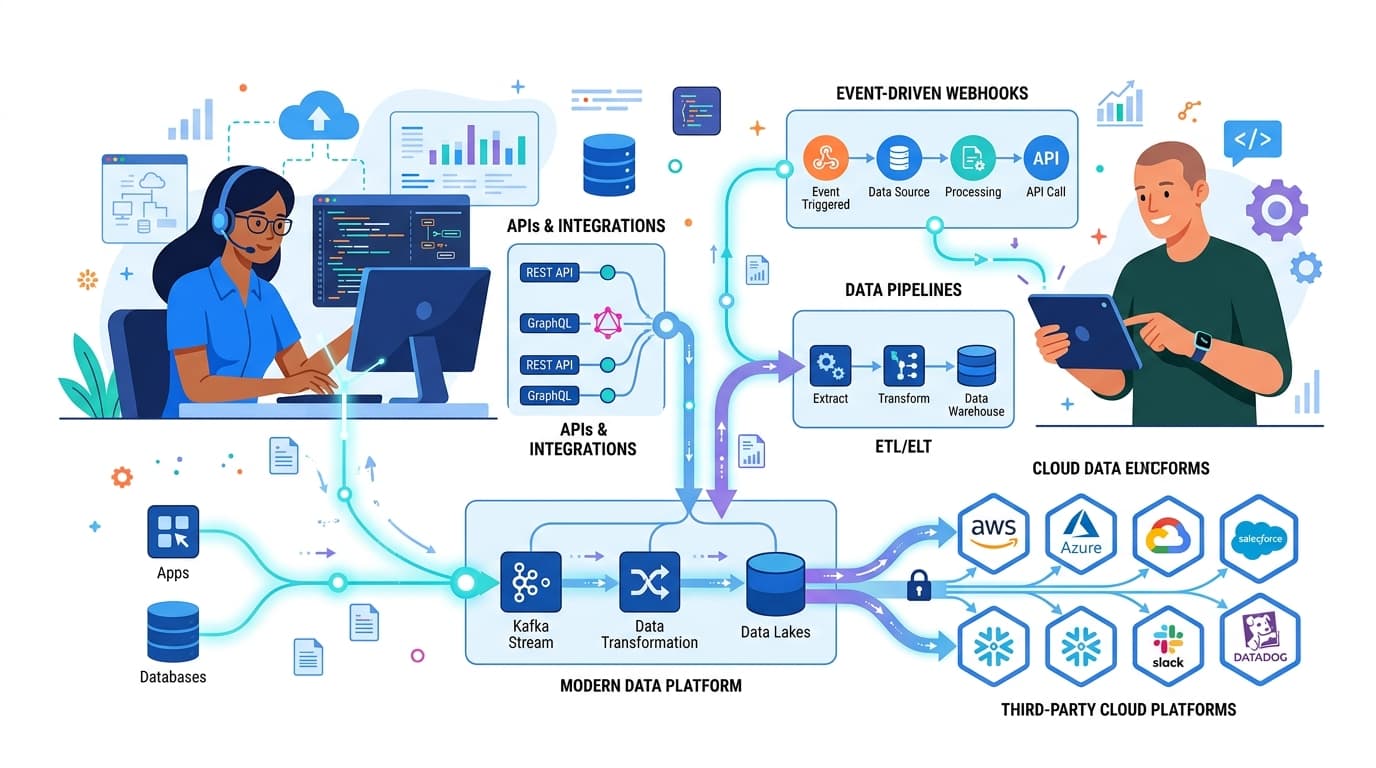
A common mistake in enterprise software design is treating complex operational tools like consumer lifestyle applications. Oversized hero cards, excessive whitespace, and hidden navigation patterns look clean in portfolio mockups, but they cripple daily operators who process hundreds of complex records every hour.
In high-stakes business environments — whether hospital management, school admissions, or manufacturing logistics — interface efficiency is directly tied to business throughput and error reduction.
The Principles of Operational Density
1. Information Hierarchy Over Emptiness
Operators do not want endless scrolling; they need relevant contextual data accessible within single-click workflows. Dense interfaces must balance scanning speed with visual calm. We achieve this through typographic precision, micro-contrast hairlines, and structured tabular views with inline action triggers.
2. Predictable State and Ergonomic Feedback
Every interactive element must provide instant visual confirmation. When an administrator approves an inquiry, updates a ledger, or triggers a batch notification, ambiguity leads to duplicated submissions or panic. We enforce strict state conventions: loading skeletons that preserve scroll position, non-disruptive optimistic updates, and persistent status indicators.
3. Tokenized Design Systems for Rapid Scale
Building custom software without a unified design system guarantees UI fragmentation within six months. At MarineCloudX, we architect modular design token libraries across spacing, color luminances, type scales, and interaction states. Developers consume reusable, battle-tested UI components that ensure consistency across hundreds of views.
Validation Through Interactive Prototyping
Static mockups hide edge cases. A design that looks pristine with 4-letter names breaks catastrophically when populated with 45-character strings, missing profile images, and edge-case pagination. We prototype real data flows early, validating keyboard navigation and workflow speed with actual users before backend integration starts.